
Managing a classroom with multiple paraprofessionals (paras) can be both a blessing and a challenge. But how do you communicate with multiple paras throughout the school day?
Ensuring that everyone is informed, organized, and working efficiently requires clear and consistent communication. With different schedules, responsibilities, and the unique needs of each student, it’s essential to have a system in place that keeps everyone on the same page. Here are some practical strategies to enhance communication and streamline delegation in a special education classroom with multiple paras.
1. Establish a Communication Binder
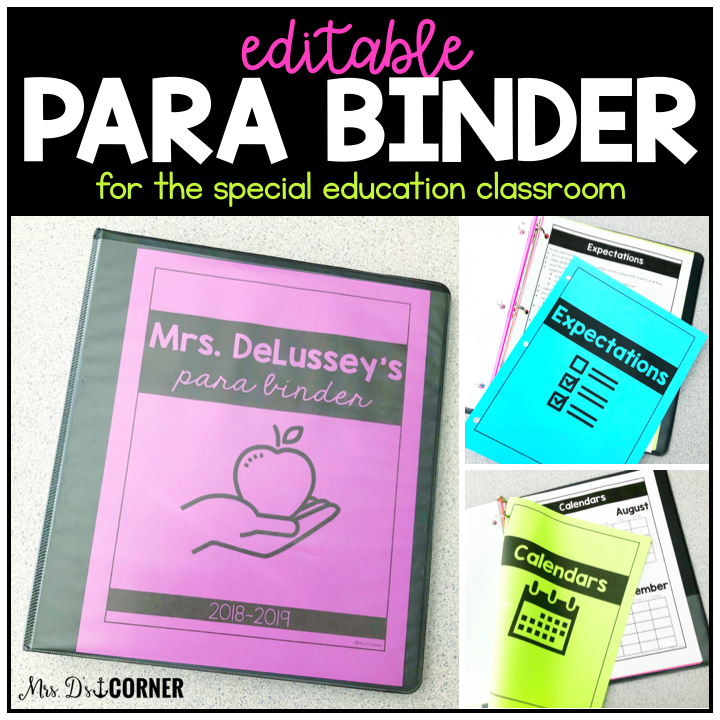
A communication binder can serve as a centralized hub for daily information. It was my preferred way of communicating with my paras when I was in the classroom. This binder can include:
- Student updates from paras regarding behavior, progress, or concerns.
- Teacher notes with reminders about special events, schedule changes, or procedural updates.
- Task lists for daily responsibilities such as laminating, copying, or classroom organization.
I created a para binder to help make it easier for you to begin implementing one in your classroom, too. You can check it out and grab your copy here!
Overall, a communication binder ensures that essential information is documented and accessible, allowing for efficient back-and-forth updates without the need for constant chats throughout the day (when they may not be possible!).
2. Utilize a Whiteboard or Interactive Screen
Having a designated space in the classroom where key information is posted can help keep everyone aligned. A whiteboard or interactive screen can display:
- The weekly schedule and any changes.
- Upcoming IEP meetings (use a code for each student – not their names or initials!) and special events.
- Rotation schedules for classroom tasks.
- Reminders for important deadlines or procedural updates.
This method allows paras to quickly check for updates at the beginning of their day and ensures that information is easily visible throughout the school day.
3. Implement a Group Text or Messaging App
For quick updates and urgent information, a group text or messaging app (such as Remind, WhatsApp, or GroupMe) can be a lifesaver. This is particularly useful when immediate communication is necessary, such as notifying paras about last-minute schedule changes, student concerns, or reminders.
However, it’s important to establish boundaries for messaging, ensuring that texts are used primarily for essential updates rather than ongoing discussions that could lead to information overload or HIPPA violations.

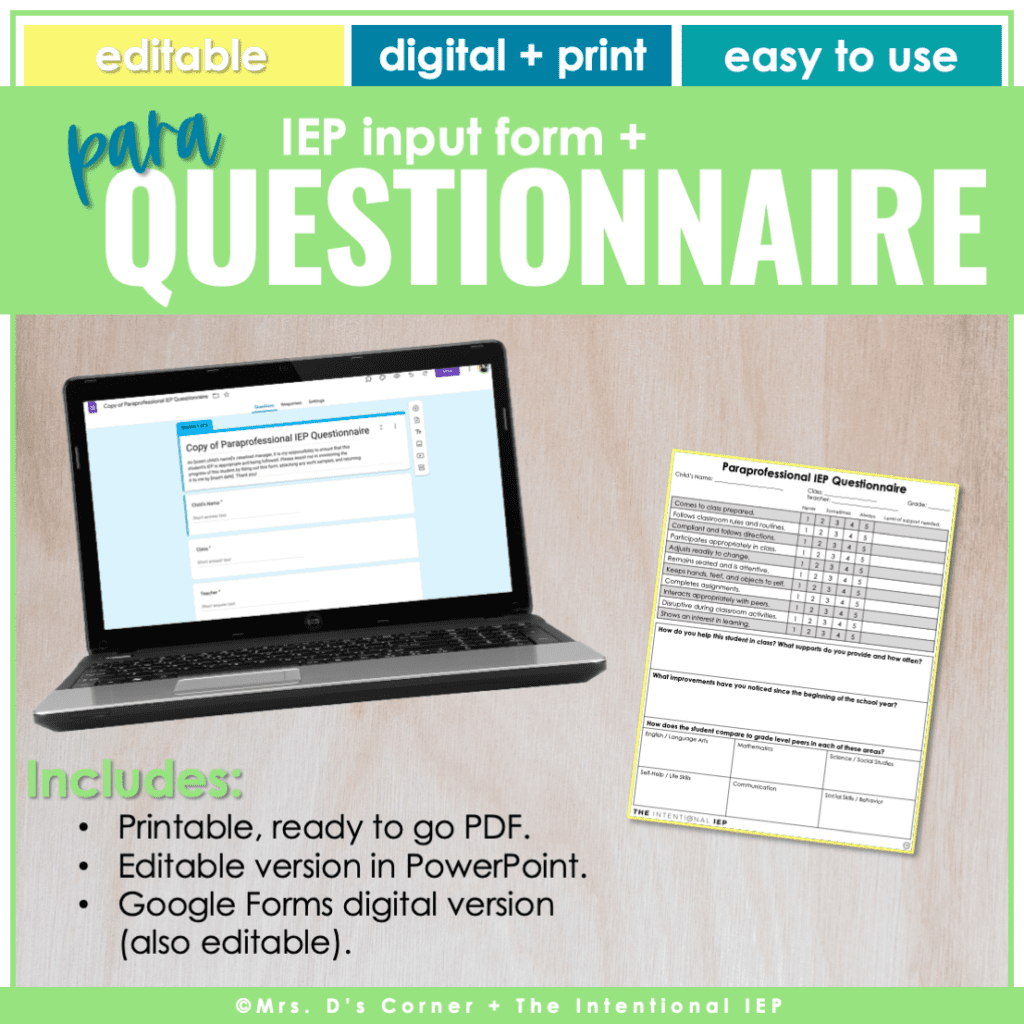

4. Schedule Regular Check-Ins
While it may not always be feasible to have daily meetings, scheduling regular check-ins can help create a more cohesive team. Depending on scheduling constraints, these check-ins can be:
- Morning Meetings (5-20 minutes) before students arrive, if possible.
- Bi-Weekly Meetings to discuss student progress, classroom needs, and upcoming events.
- End-of-Day Quick Huddles for immediate feedback and adjustments for the following day.
Even if meetings are brief, they provide a valuable opportunity to touch base and clarify any concerns before they become larger issues.
5. Create Structured Task Delegation
With multiple paras in the classroom, clearly defining roles and responsibilities can help prevent confusion and ensure efficiency. Consider:
- Assigning rotating duties such as cleaning, copying, or preparing materials.
- Creating a designated space (e.g., a “task basket”) where paras can grab materials to laminate, cut, or sort when they have downtime.
- Developing a schedule that outlines each para’s role and expectations for each part of the day, ensuring that all students receive appropriate support.
6. Maintain a Classroom Calendar
A visible classroom calendar can be a simple yet effective tool to keep everyone informed about:
- IEP meetings and staff meetings.
- School-wide events and days off.
- Special classroom activities or deadlines.
A shared digital calendar (Google Calendar or Outlook) can also be beneficial for those who prefer electronic access to important dates and events.
7. Encourage Open Communication and Feedback
Finally, fostering an environment of open communication is key to maintaining a positive and productive team. Encourage paras to:
- Share feedback on communication systems and suggest improvements.
- Ask questions when unsure about expectations or responsibilities.
- Communicate concerns about student needs or classroom management openly and respectfully.
By implementing a combination of these strategies, special education teachers can create a well-organized and collaborative environment that ensures all paraprofessionals are informed, prepared, and able to support students effectively. Clear communication leads to a smoother workflow, stronger teamwork, and, ultimately, better outcomes for students.
An IEP doesn’t begin when you open the document—and the work doesn’t end when everyone leaves the meeting. There’s baseline data to gather, decisions to make, goals to connect, timelines to manage, services to implement, progress to monitor, and adjustments to make along the way. The Intentional IEP System gives special educators one connected way to manage all of it. Build a better system for the IEP work you’re already doing →